Foxit PDF Editor supports the generation of 2D barcodes for the forms integrated with Ultraforms technology, making the form data easily scanned, captured and incorporated into a database. Steps are as follows:
- Open and fill in the form.
- Upon completion, click the barcode generation button (if any) on the form file to generate 2D barcode.
- Click the save button
 on the Quick Access Toolbar to save the form.
 - (If needed) Choose File > Print to print the form; and then you can use a supported scanner to scan, read and incorporate the form data into a database.
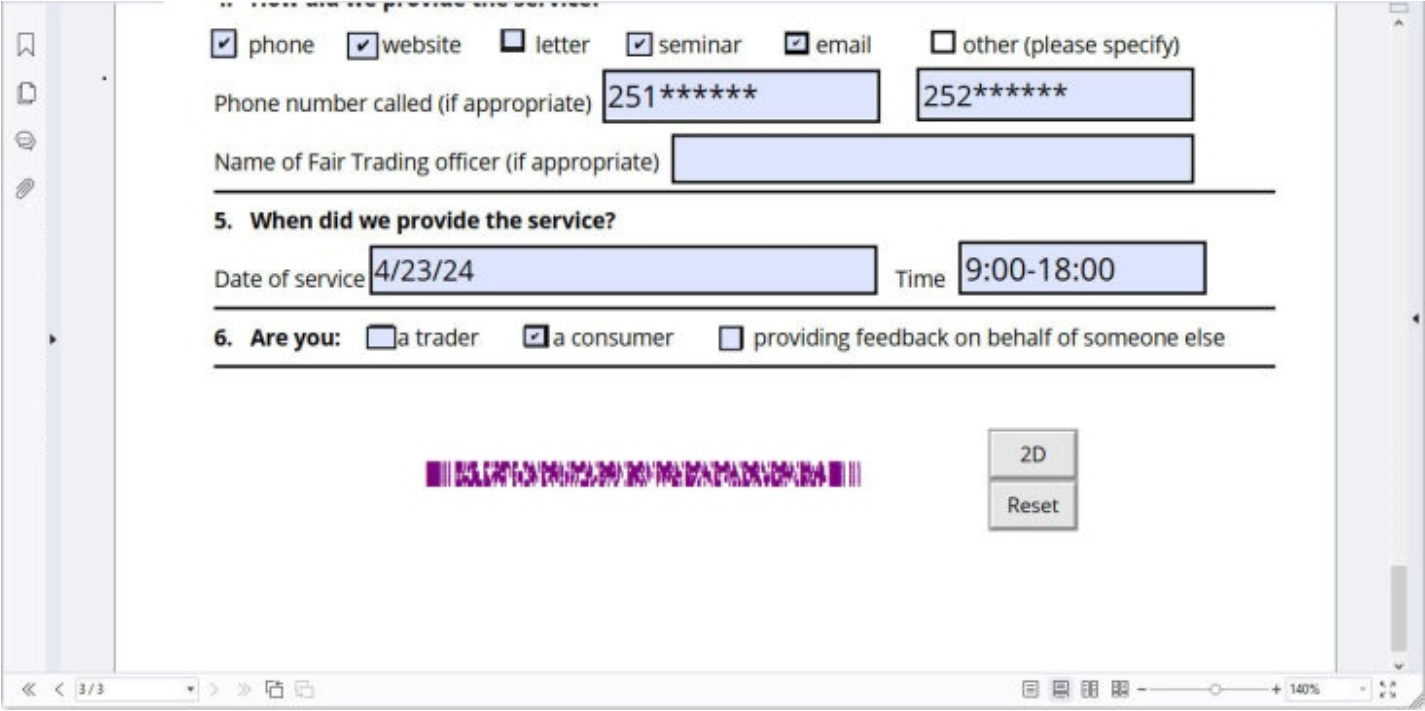
(Foxit PDF Editor Subscription Release)
Note: The triggering method for 2D barcode generation may vary as the form creator may define when integrating Ultraforms technology into the form file. You can click the barcode generation button (if there is any) on the form file, or choose Print directly to generate 2D barcode.