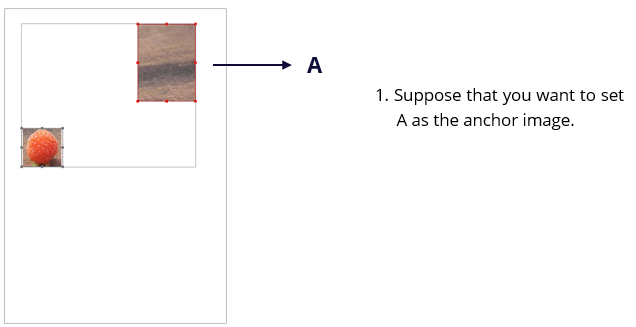
- Select two or more images that you want to align.
- Select a type of alignment in the Format tab in the right panel, or right-click the anchor image and choose Align. Then choose a type of alignment.
- To align a column of images, choose Left, Right, or Vertically to align them respectively to the left edge, right edge, or vertical axis of the anchor image.
- To align a row of images, choose Top, Bottom, or Horizontally to align them respectively to the top edge, bottom edge, or horizontal axis of the anchor image.
Note: The alignment commands move the other selected images to line up with the edges of the anchor image.
Below is an example: