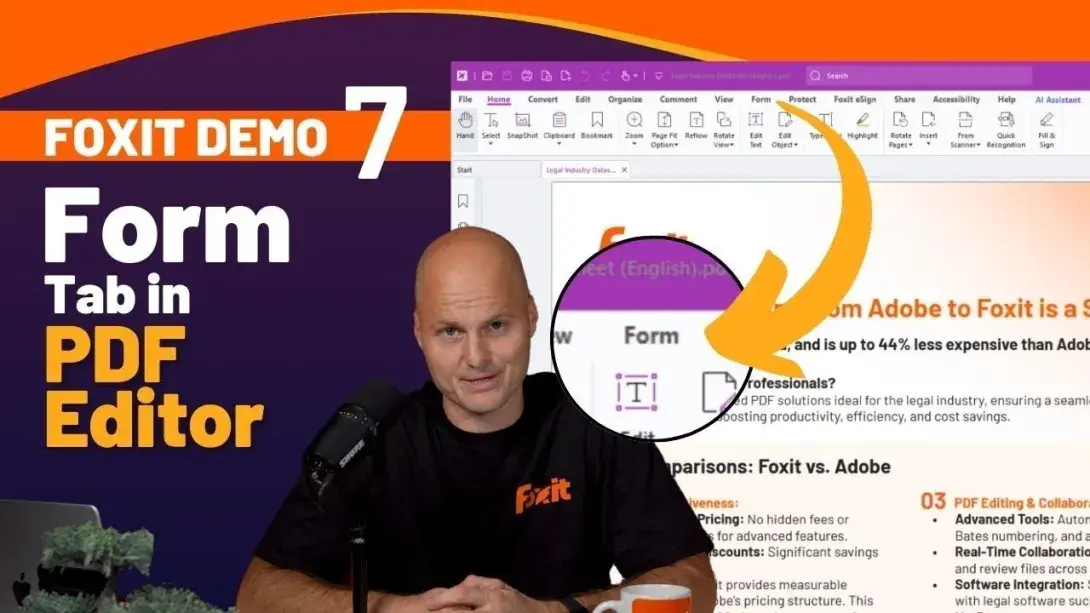
This video tutorial walks through how to create, customize, and manage interactive PDF forms using the Form Tab in Foxit PDF Editor. From automatically recognizing form fields to configuring calculations and JavaScript, you'll have everything you need to build professional, data-ready forms.
Whether you're building client intake forms, internal HR documents, compliance forms, or financial worksheets, Foxit PDF Editor provides the tools to streamline form creation and improve data accuracy — all from a single, intuitive interface.
What You'll Learn
- How to automatically detect form fields in an existing document
- How to add text fields, checkboxes, dropdowns, and buttons
- How to customize field properties and appearance
- How to apply validation rules and perform calculations
- How to integrate JavaScript for advanced form functionality
Video Timeline
00:00 — Introduction to the Form Tab
00:26 — Using the Form Field Recognition Tool
00:46 — Customizing Form Fields
01:11 — Advanced Field Options
01:40 — Adding Additional Form Elements
02:03 — Conclusion and Next Steps
Who This Video Is For
This tutorial is designed for anyone who creates or manages PDF forms as part of their daily workflows, including:
- HR teams creating onboarding and policy forms
- Legal teams preparing intake and disclosure forms
- Finance teams building calculation-based documents
- IT administrators managing digital form workflows
- Business professionals designing interactive PDFs
The Form Tab in Foxit PDF Editor makes it easy to design interactive forms that collect structured information efficiently — without the complexity of manual field configuration.
Ready to Start Creating Smarter PDF Forms?
Explore Foxit PDF Editor to get started, or find out if your organization qualifies for a volume license discount.